 Skip to content

Quick answer
To keep your 51 Game account safe, use a unique password, never share your OTP, UPI PIN or password, only tick Remember password on your own locked phone, add beneficiary details in your own name and log in only through a trusted link. Check your Deposit history, Withdrawal history and beneficiary details regularly so you notice anything unusual quickly.
What are the biggest risks to a 51 Game account?
Most account losses come from people, not technology: someone tricks the player into sharing a code or logging in on a fake page.
| Threat | How it happens | Protection |
|---|---|---|
| OTP theft | “Support” or an “agent” asks for the code | Never share OTPs |
| Fake login pages | Links in chats lead to copycat sites | Use bookmarks |
| Mod / hack apps | Apps read SMS or capture passwords | Install only from the genuine site |
| Shared phones | Remember password left on | Log out, untick Remember password |
| Reused passwords | A leak elsewhere opens your account | Use a unique password |
| Beneficiary changes | Thief swaps your bank details | Check details often |
How do you secure your 51 Game account step by step?
How to secure your 51 Game account
- Set a unique password of 8+ characters with letters and numbers.
- Turn on a screen lock on your phone.
- Only tick Remember password on your own phone.
- Bookmark the genuine site and use only that bookmark.
- Add your own bank account or UPI as beneficiary.
- Review Deposit and Withdrawal history weekly.
- Remove unknown apps with SMS or accessibility permissions.
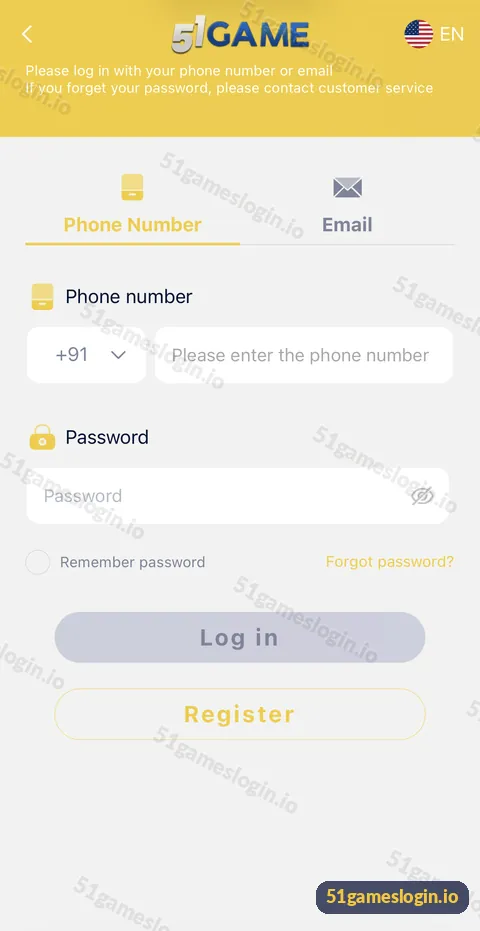
Ready to try 51 Game?
Register with invite code 235975286246 already filled in, or log in to your account. Adults 18+ only.
What should you never share?
- Your 51 Game password.
- Any OTP or verification code.
- Your UPI PIN or internet banking password.
- Screenshots that show your full account details to strangers.
Genuine customer service never needs any of these.
What should you do if your account is compromised?
Move fast. Change your password through the genuine app or Forgot password?, contact customer care through the headset icon, check and correct your beneficiary details, change your UPI PIN if it was exposed, and report any financial loss to your bank and the 1930 cyber-crime helpline. Keep screenshots of everything.
How does security connect to safe play?
A secure account is one part of playing responsibly; budgets and time limits are the other. Read the responsible gaming page, the hack warning and the website guide. Login help is in the 51Game login guide, and every safety topic is linked from the 51 game account security section on our homepage.
Who is the account security guide for?
It is for every 51 Game player, because every account holds money and personal details.
- New players setting up good habits.
- Players who shared a phone or password in the past.
- Anyone contacted by a suspicious “support” account.
Which security habits matter most?
| Habit | Effort | Protection |
|---|---|---|
| Never share OTP, PIN or password | None | Very high |
| Use a bookmark to log in | Once | High |
| Unique password | Once | High |
| Screen lock on phone | Once | High |
| Weekly history check | 2 minutes | Medium |
| Remove unknown apps | 5 minutes | Medium |
The first habit alone blocks most account takeovers. If you remember just one rule from this page, make it that one.
What else do people ask about 51 Game Account Security?
How do I make my 51 Game account secure?
Use a unique password, never share OTPs, log in via a bookmark and check your history and beneficiary often.
Is Remember password safe?
Only on your own phone with a screen lock.
Someone logged into my account. What do I do?
Change your password, contact customer care, check beneficiary details and report any loss.
Does 51 Game support ask for OTP?
Genuine support never needs your OTP, password or UPI PIN.
Can I see my login history?
If the app offers it, check Account settings. Otherwise, review transaction histories for anything unusual.
Should I use the same password as my email?
No. Use a password unique to 51 Game.
What are the key takeaways?
- Never share your password, OTP or UPI PIN.
- Use a unique password and a phone screen lock.
- Log in only through a trusted bookmark.
- Check histories and beneficiary details regularly.
